To cancel an active account limit, head to the Limits tab in your profile. Select Edit on the limit you wish to remove, and then tap Delete to proceed with the removal✔️
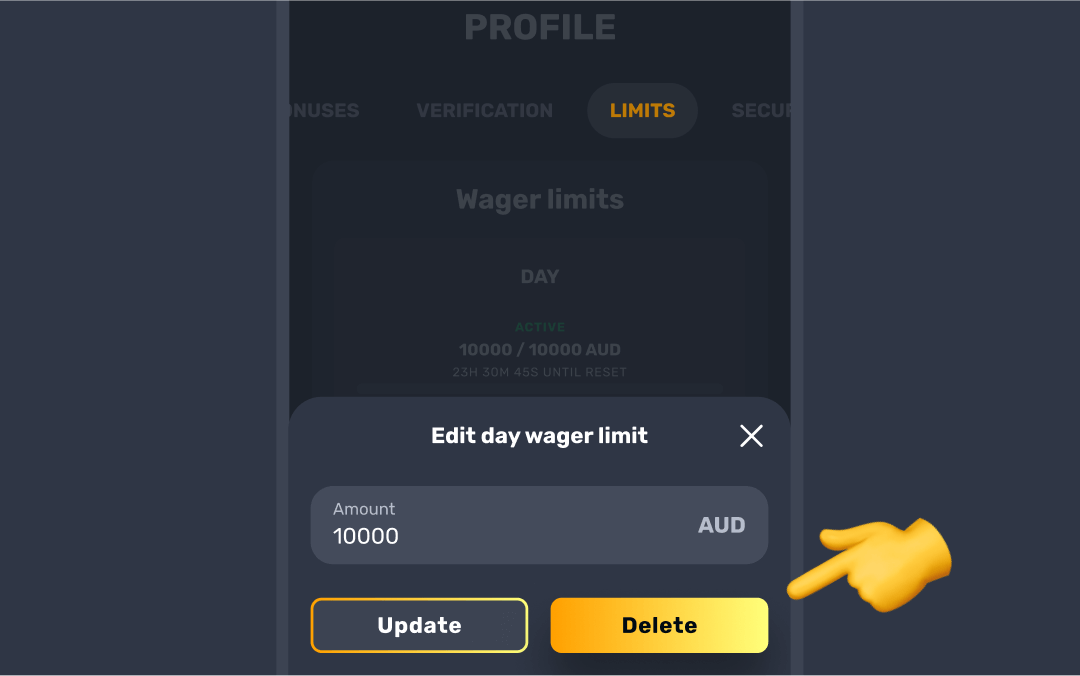
Once you’ve done that, an email will be sent to your registered mailbox to confirm the deletion. After confirming via email, the removal will take effect within 24 hours🕒
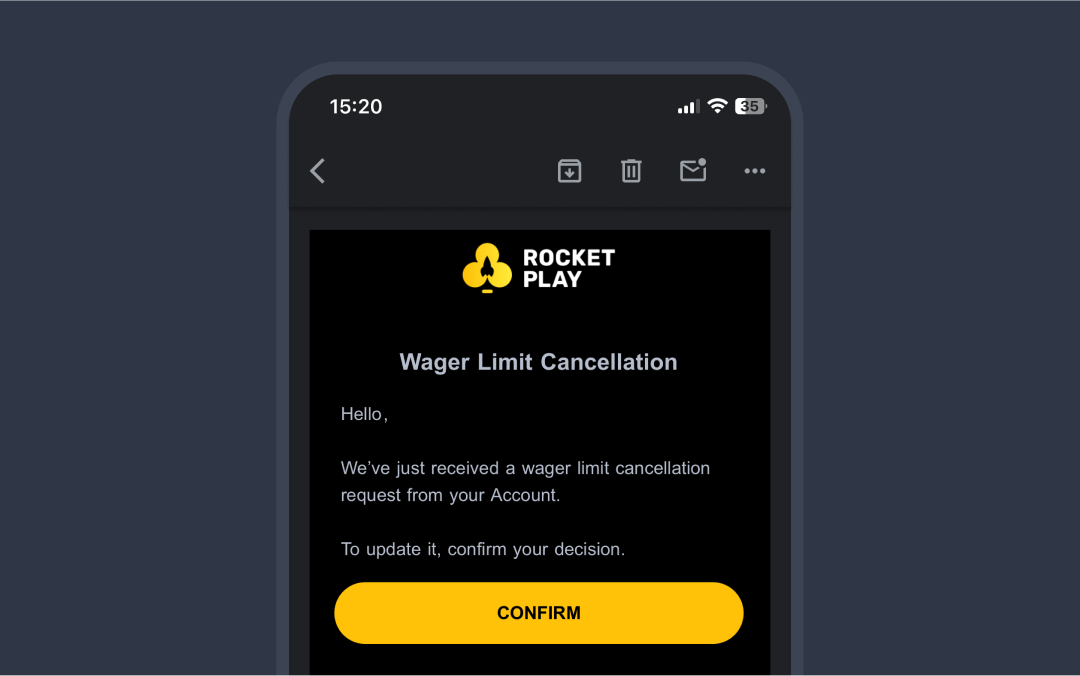

If you can't find the message in your Inbox, make sure to check your Spam folder.

Self-exclusion limit cannot be canceled by yourself before it expires. If you ever need support or further clarification regarding this, feel free to reach out to our team — we’re here to help.
Withdrawal limits cannot be changed or removed.
Was this article helpful?
That’s Great!
Thank you for your feedback
Sorry! We couldn't be helpful
Thank you for your feedback
Feedback sent
We appreciate your effort and will try to fix the article