To turn off 2-factor authentication (2FA) for your account, follow these steps:
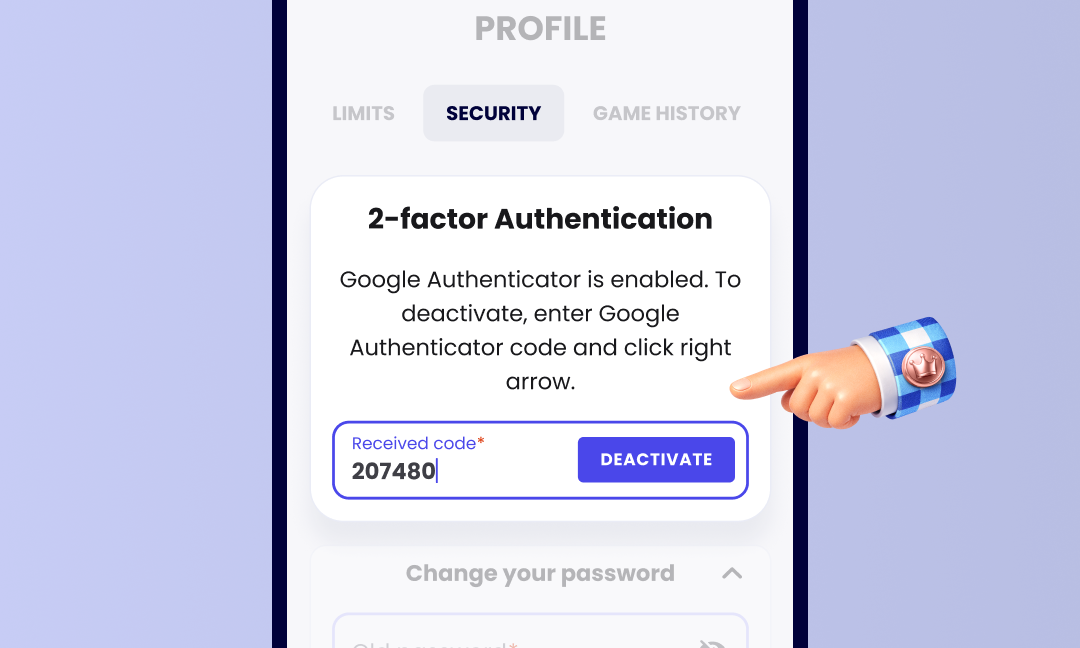
- Go to the Security tab in your account settings.
- Enter the code generated by your Google Authenticator or Authy app.
- Select Deactivate to turn off 2FA.
Once deactivated, you’ll have direct access to your account without needing a second verification step 👌
Was this article helpful?
That’s Great!
Thank you for your feedback
Sorry! We couldn't be helpful
Thank you for your feedback
Feedback sent
We appreciate your effort and will try to fix the article