Verifying your RocketPlay email is simple:
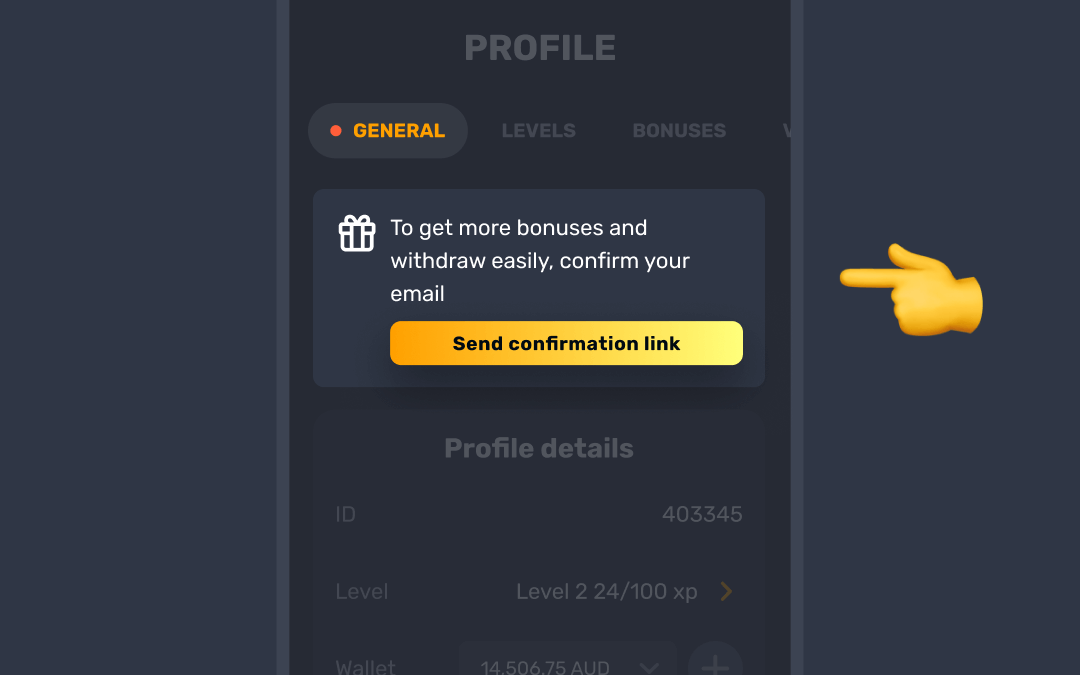
- In the General tab of your profile, click on Send confirmation link to proceed with email verification.
- Open the email and follow the instructions to confirm your address.
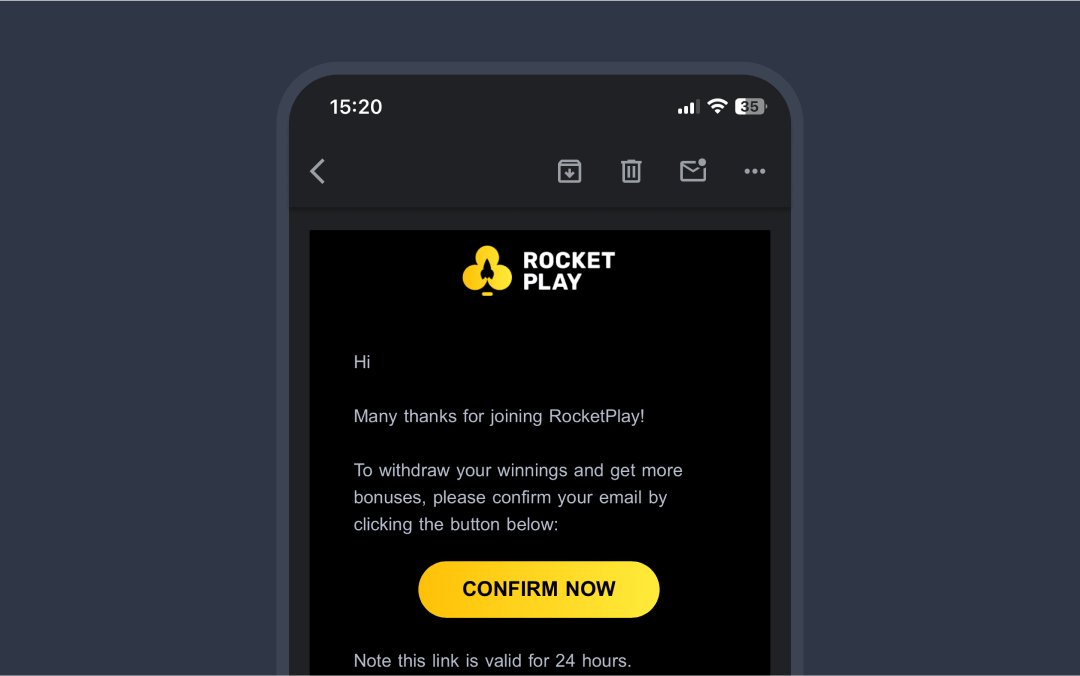

If you don’t see the email, check your Spam or Promotions folders. Still no email? Contact us via live chat, and we’ll assist with a manual confirmation 📧
Was this article helpful?
That’s Great!
Thank you for your feedback
Sorry! We couldn't be helpful
Thank you for your feedback
Feedback sent
We appreciate your effort and will try to fix the article