If you ever decide that a bonus isn’t for you, canceling it is quick and easy 🎯 Here’s how you can do it:
- Log into your RocketPlay account.
- Go to the Bonuses tab.
- Select the bonus you want to cancel.
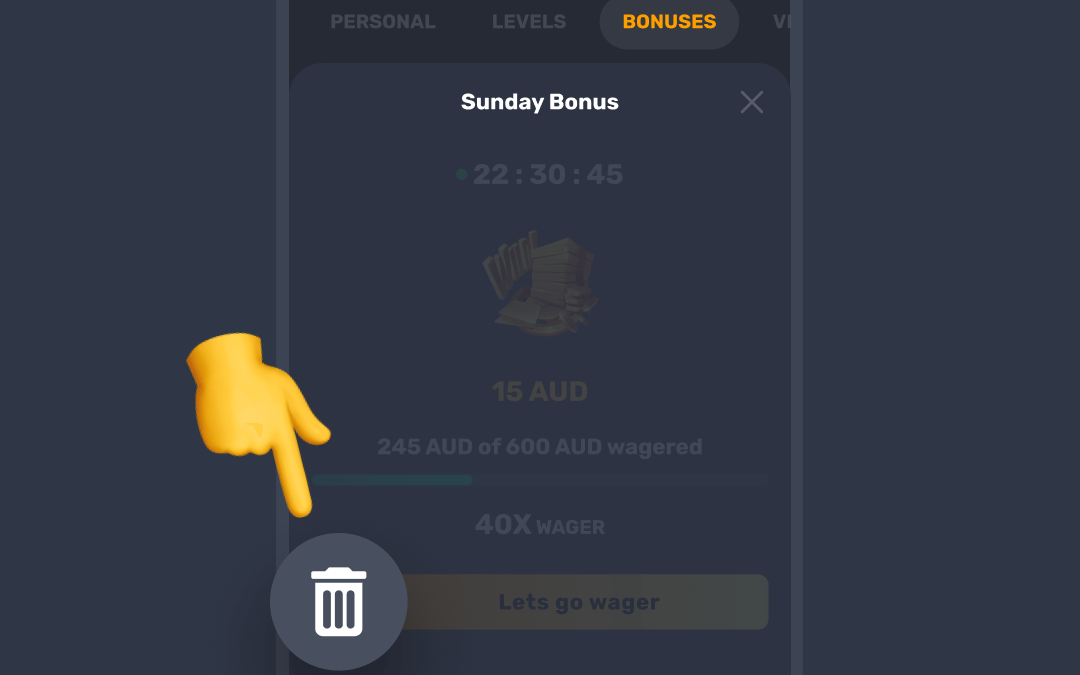
- Press Cancel to confirm.
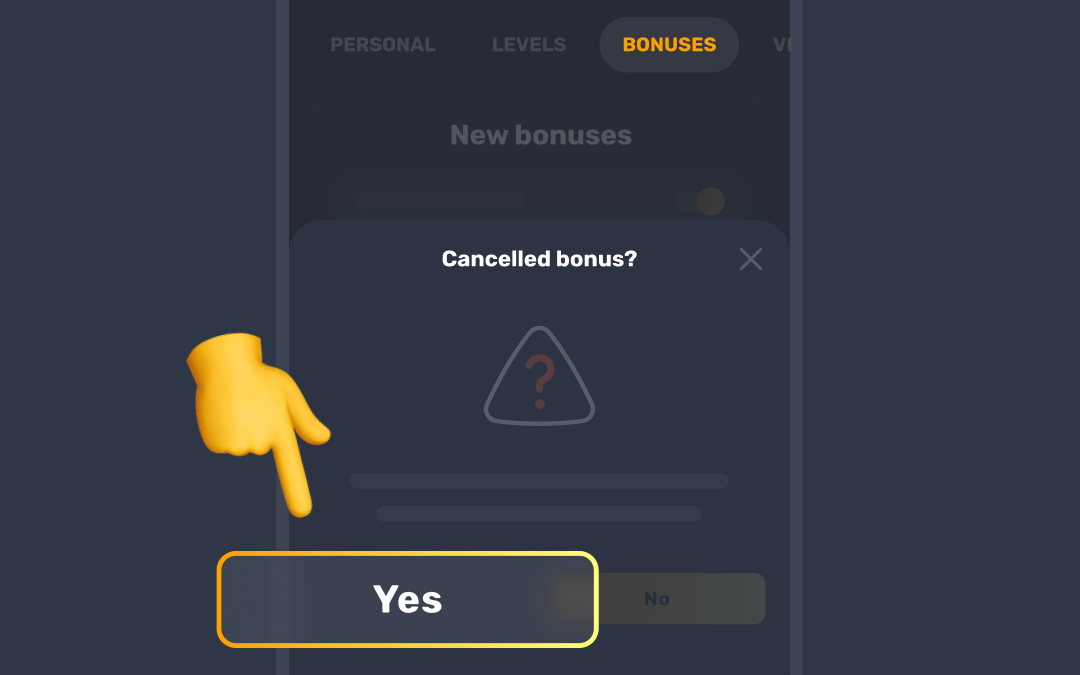

Keep in mind that any winnings you've earned from the bonus will be forfeited. Make sure it’s the right decision for you before you cancel the gift.
This applies to casino bonuses. Sports bonuses stay on your account until you use them or they expire.
Was this article helpful?
That’s Great!
Thank you for your feedback
Sorry! We couldn't be helpful
Thank you for your feedback
Feedback sent
We appreciate your effort and will try to fix the article