You can easily manage your account limits through the Limits tab in your Profile.
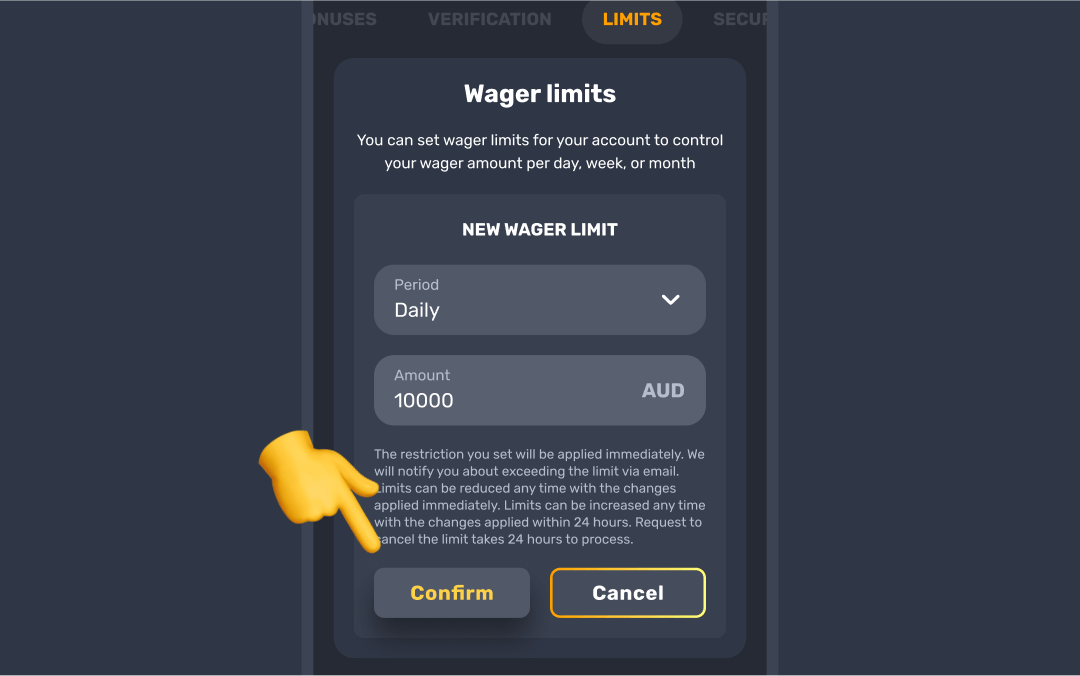
- To set a limit, simply click Set limit, choose the time period and the amount (if applicable), then click Confirm to apply the limit ✅ If you change your mind, you can click Cancel.
- If you want to change or delete a limit, click Edit next to the relevant limit. To modify it, enter the new amount and click Update 🔄 If you prefer to remove the limit altogether, just click Delete.
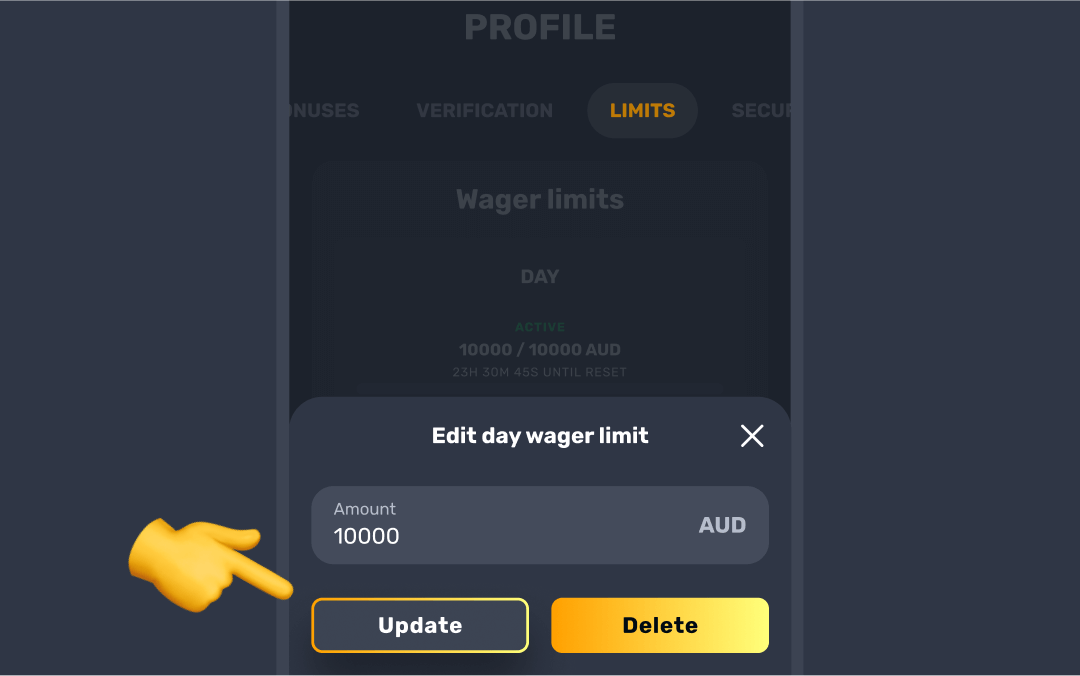

If you lower the limit, the change will take effect immediately. If you want to increase the limit, it will take 24 hours for the update to go into effect.
This gives you flexibility to adjust your limits as needed, putting you in control of your gambling habits 🙋
Was this article helpful?
That’s Great!
Thank you for your feedback
Sorry! We couldn't be helpful
Thank you for your feedback
Feedback sent
We appreciate your effort and will try to fix the article