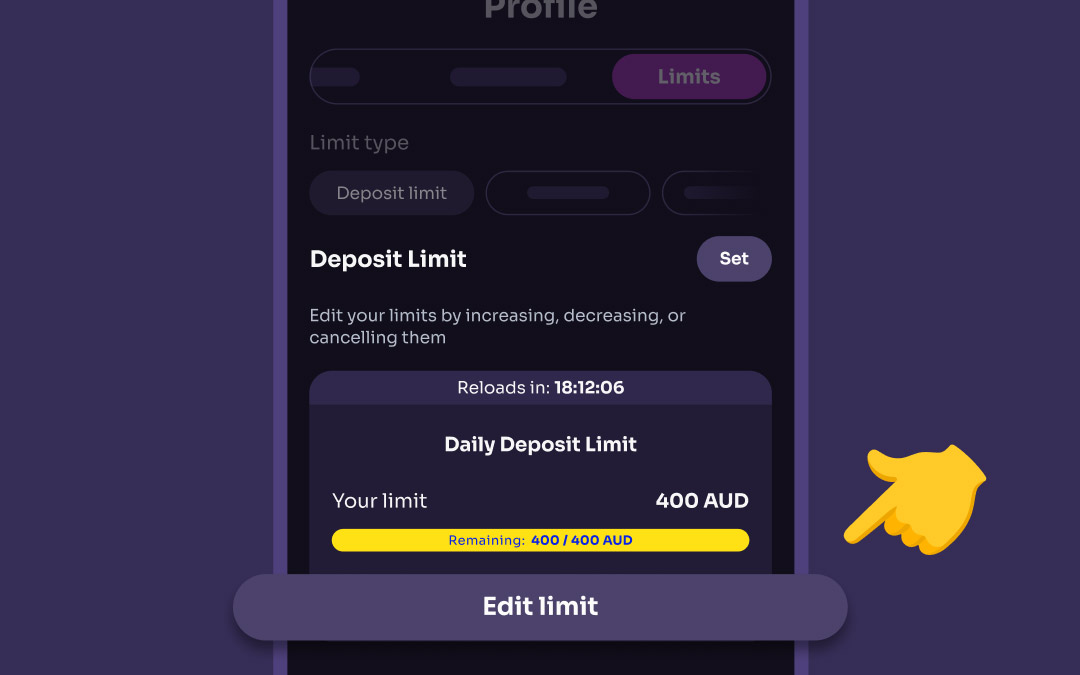
Adjusting or removing limits is just as easy as setting them up ☑️ Here’s how:
- Go to the Limits tab
- Click Edit limit
- Change the value and click Apply changes or select Cancel limit to remove it
🕒 Important:
- Decreasing a limit takes effect immediately
- Increasing or removing a limit may take up to 24 hours to process
The estimated timing will be displayed on the limit card, so you’re always in the loop.

Withdrawal limits are fixed and cannot be increased or changed upon request.
Was this article helpful?
That’s Great!
Thank you for your feedback
Sorry! We couldn't be helpful
Thank you for your feedback
Feedback sent
We appreciate your effort and will try to fix the article