We understand how frustrating a failed deposit can be. To ensure successful processing, ensure that all your banking information is entered correctly when making a deposit ✔️
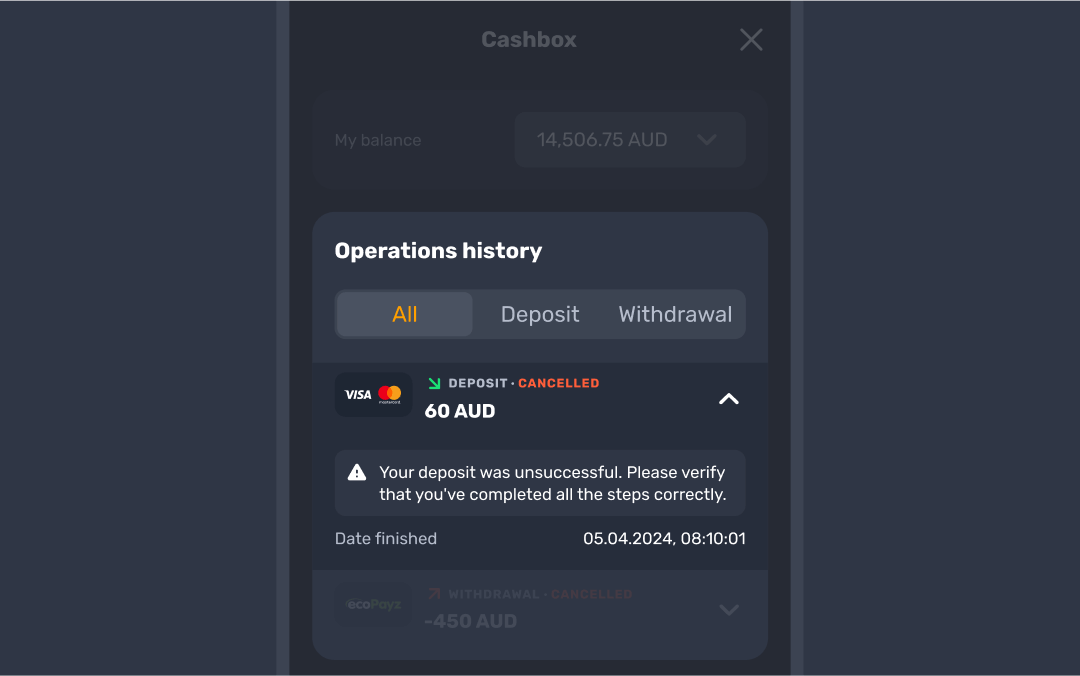
To help smooth things out, here are some common reasons why a deposit might not go through and tips on how to resolve them:
- Insufficient funds on your bank account: double-check that you have enough funds available to complete your deposit. If needed, try using another payment method 🏛️
- Reaching a deposit or spending limit: check if you’ve hit your set deposit or spending limit with your bank. If so, you may need to adjust the limit in the Limits tab of your profile, check limits in your online banking or try a different payment option 📈
- Missing 3DS code for card transactions: if you’re using a card, make sure to enter the 3DS code you received via SMS, email, or app notification. This extra security step is essential to complete the transaction 🔢
If you’ve checked all of the above and your deposit still isn’t going through, don’t hesitate to contact customer support via live chat. We’re happy to help you sort it out quickly!
Was this article helpful?
That’s Great!
Thank you for your feedback
Sorry! We couldn't be helpful
Thank you for your feedback
Feedback sent
We appreciate your effort and will try to fix the article