Keep your play secure by verifying your payment method quickly and easily through your account. Just go to the Verification tab under Payment to upload the required document 📑
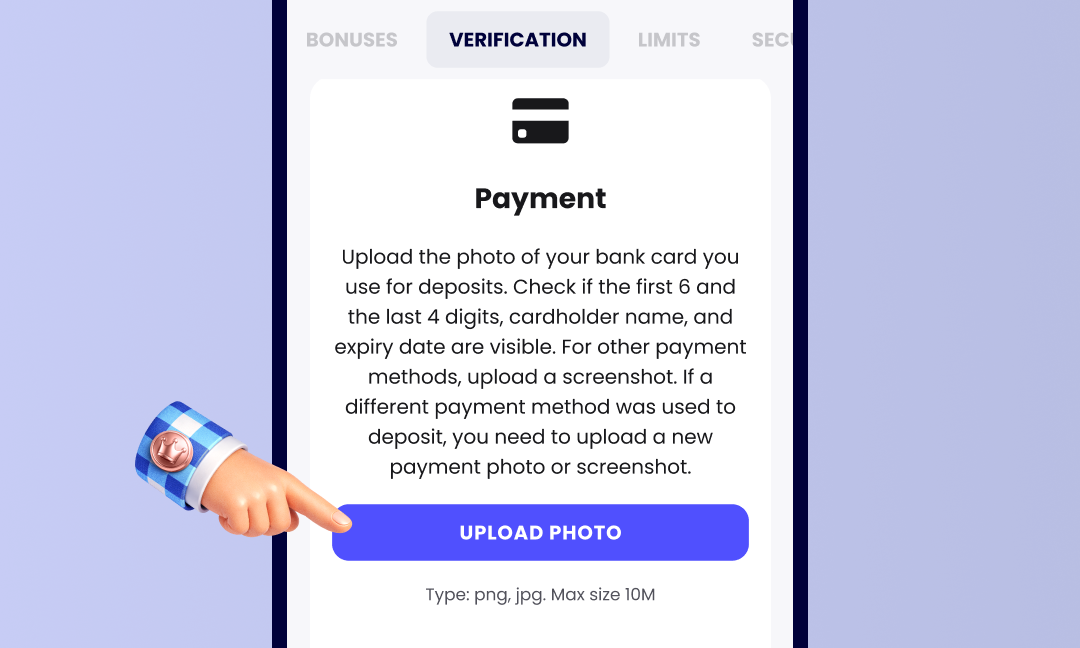
Here’s what you’ll need, depending on the payment type:
- Card: snap a photo of your card showing your name, signature, expiry date, and the first 6 and last 4 digits of your card number. Include both sides if needed.
In case your card was closed or lost, you may verify it by providing us with a letter or a document from your bank stating the closure of this card with your full name and the card number mentioned 🙌 - Bank account: submit a bank statement (dated within 90 days) or a screenshot from your online banking. Make sure it includes your name, full address, full account number, and the bank’s logo.

Supported formats: PNG and JPG, up to 10MB. Once submitted, your documents will be reviewed within 10 minutes to a few hours 🕒
Was this article helpful?
That’s Great!
Thank you for your feedback
Sorry! We couldn't be helpful
Thank you for your feedback
Feedback sent
We appreciate your effort and will try to fix the article