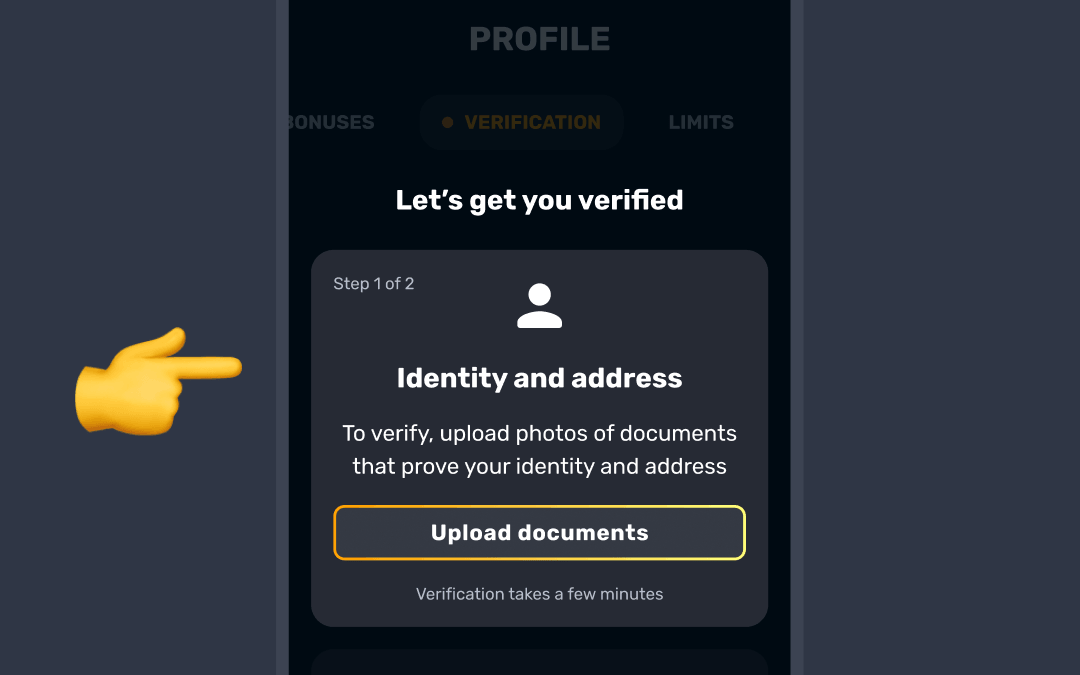
You can verify your identity at RocketPlay by submitting one of these documents in the Verification tab under the Identity and address section. Before you start, fill in your personal info in the General tab of your profile. Verification opens only after that:
- Passport
- Driving license
- National ID card or other government-issued photo ID card
- Residence permit or permanent resident card
- Provincial ID card or provincial health card with a photo
- Adult proof of age card showing your photo, date of birth and expiry date
Important Requirements:
- The document must be valid (not expired).
- For ID cards, upload both the front and the back (your photo and date of birth must be visible and unaltered, and any watermarks must be visible).
- It must be a clear photo (not a scan) with all four corners visible.
- Ensure that all the information is readable and complete.
- Make sure the image is clear, all four corners are visible, and it isn’t edited.

You can upload JPG, PNG, HEIC, WEBP or PDF files up to 50MB 📎
Verification has three steps: your identity document, a liveness check and your address.
For the document photo, use a well-lit room, avoid reflections and don’t edit the image.
For the liveness check (a quick selfie), find a well-lit place, keep your face within the frame, and take off hats, glasses and masks.
Was this article helpful?
That’s Great!
Thank you for your feedback
Sorry! We couldn't be helpful
Thank you for your feedback
Feedback sent
We appreciate your effort and will try to fix the article