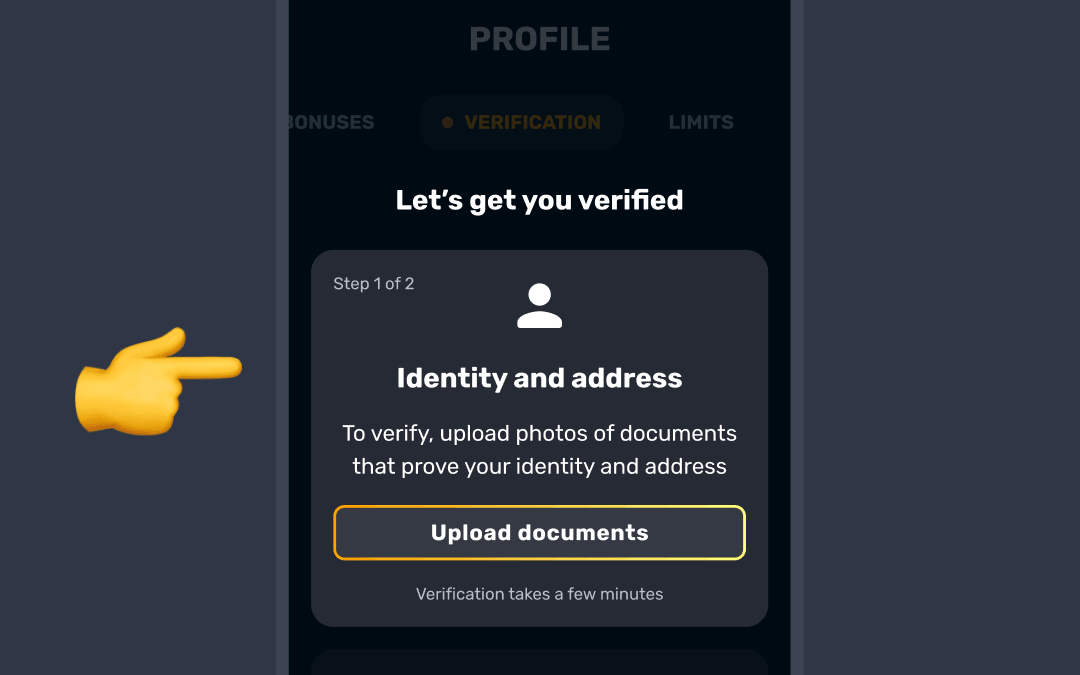
You can upload one of the following documents in the Verification tab under the Identity and address section to confirm your address. Before you start, fill in your personal info in the General tab of your profile. Verification opens only after that:
- Utility bill
- Bank statement
- Property tax bill
- Council rates bill or council tax bill
- Lease agreement or rental contract
- Official letter from a government authority
- A valid ID document that shows your address
Important Requirements:
- The document must be dated within the last 90 days.
- Ensure the document clearly shows your name and full address.
- The address must include the postal code, and the document must show the official logo of the company or authority that issued it.
- PO Box addresses and mobile phone bills are not accepted.
- Make sure the image is clear, all four corners are visible, and it isn’t edited.

You can upload JPG, PNG, HEIC, WEBP or PDF files up to 50MB 📎
Address confirmation is the last of the three verification steps, after your ID and the liveness check.
Was this article helpful?
That’s Great!
Thank you for your feedback
Sorry! We couldn't be helpful
Thank you for your feedback
Feedback sent
We appreciate your effort and will try to fix the article